Bench Press
Target 77.5 kg · last time 75 kg × 8
Last time’s values appear in empty cells. Tap a tick to use them.
| Set | kg | Reps | Done |
|---|---|---|---|
| 1 | 77.5 | 8 | |
| 2 | |||
| 3 |
Reps left
A training log for iPhone and Apple Watch. Log a set in a tap, get your next weight from your own sets, and keep it all on your devices.
In TestFlight testing · Free at launchFollow development
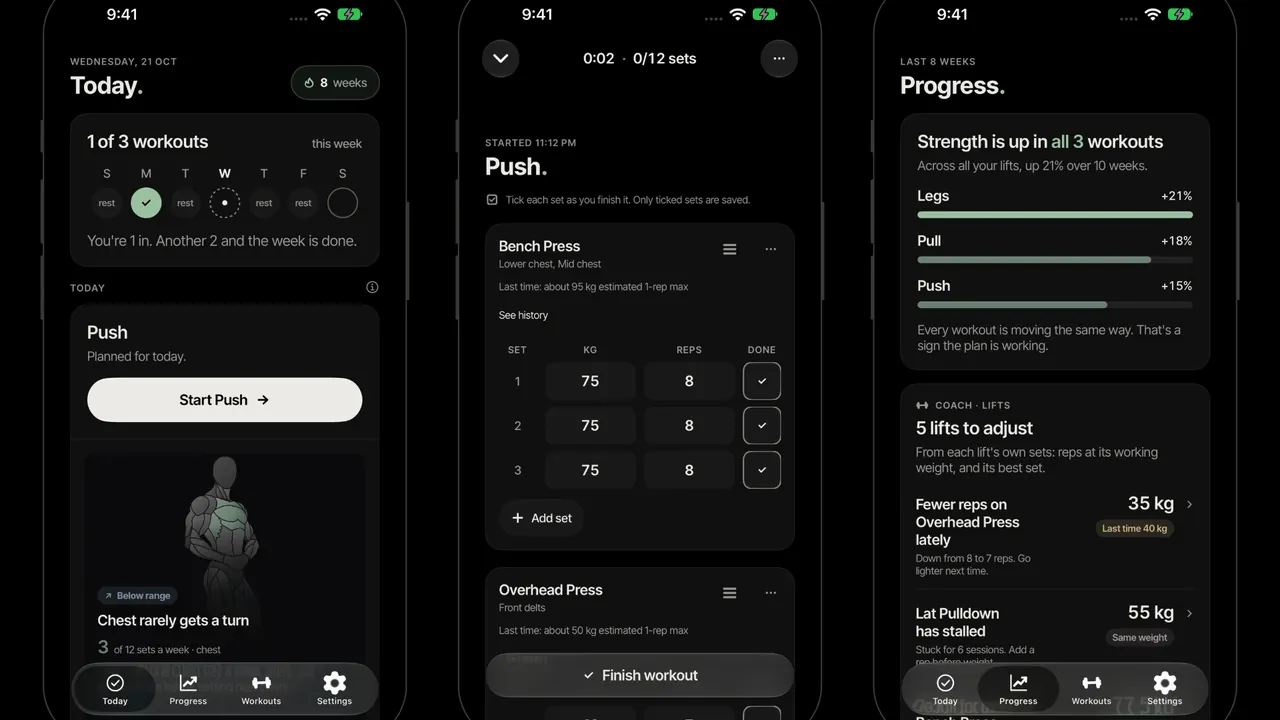
The real app on iPhone Simulator, with example training history.
Pick a feature and try it. Each demo follows the app’s own rules.
Your usual exercises come in filled. Last time’s weight and reps wait in each empty set, so a set you repeat is one tap. Tick it and rest starts on its own.
Target 77.5 kg · last time 75 kg × 8
Last time’s values appear in empty cells. Tap a tick to use them.
| Set | kg | Reps | Done |
|---|---|---|---|
| 1 | 77.5 | 8 | |
| 2 | |||
| 3 |
All sets done. Overhead Press is next.
Interactive illustration. Tick a set.
Gym0 looks at what you actually lifted and suggests one change at a time: more weight once you’ve earned it, a rep before weight when a lift stalls, a lighter load when reps slip.
100 kg × 6 on Monday. Nice.
Try 102.5 kg.
Still setting new bests. Keep it up.
Try 77.5 kg.
Stuck for 6 sessions. Add a rep before weight.
Stay at 55 kg.
No new best in 4 sessions. Same weight, one more rep.
Stay at 40 kg.
The app’s own suggestions for fictional history, word for word.
Start a saved workout on Apple Watch. Gym0 notices each set from wrist motion, estimates the reps for you to confirm, and shows your heart rate as you go.
Set 2 · 75 kg
Illustration of how a set is counted, not a Watch screen.
Every set counts toward the muscles it trains, and your week is coloured against a 10 to 20 set reference, so the gaps are obvious.
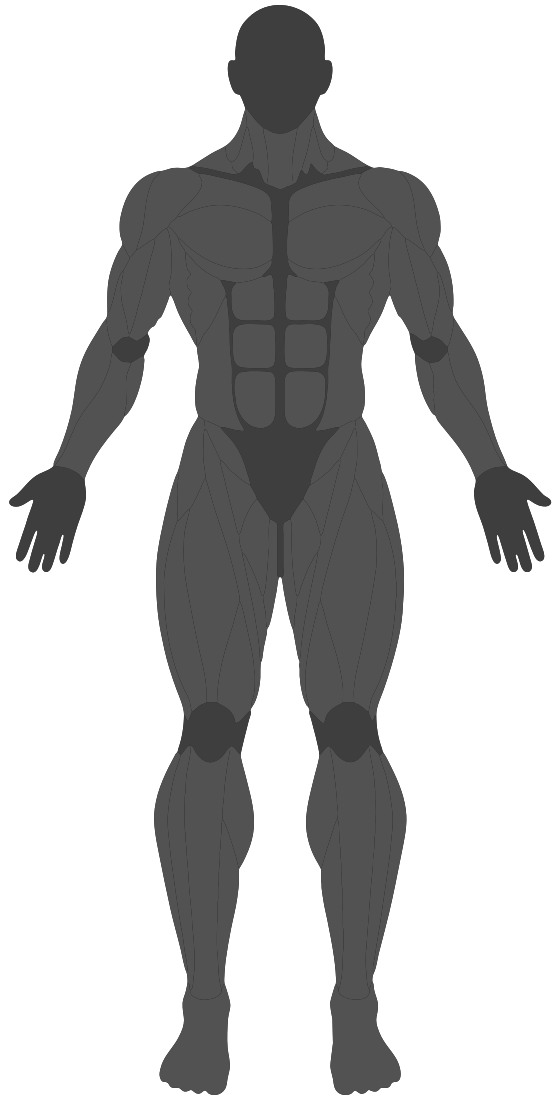
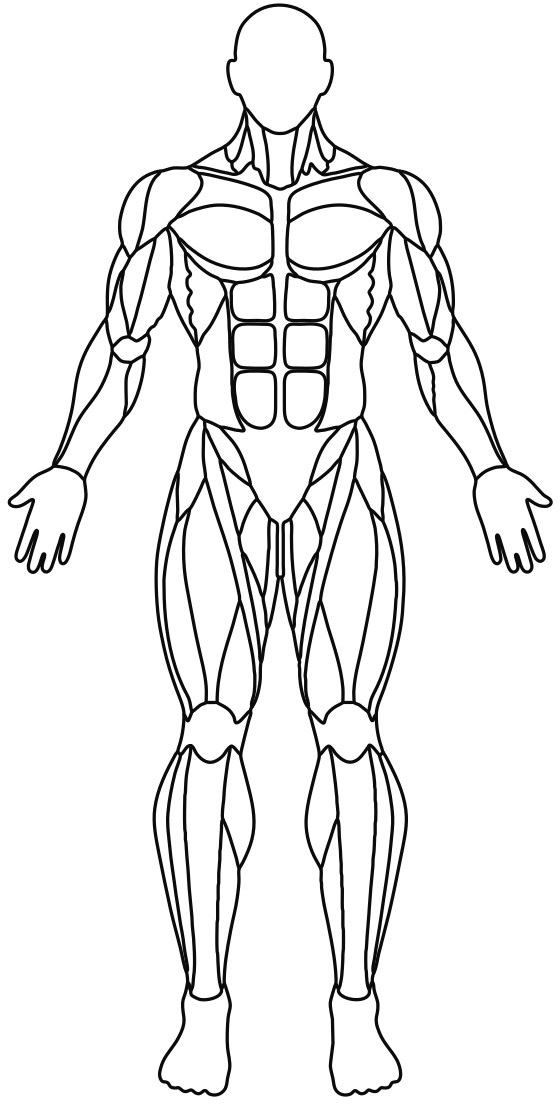
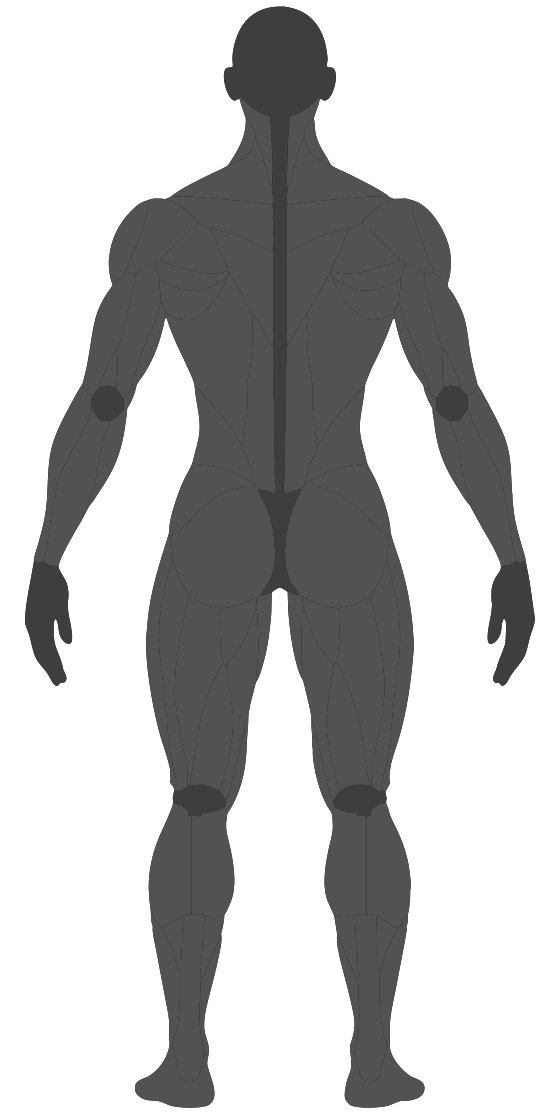
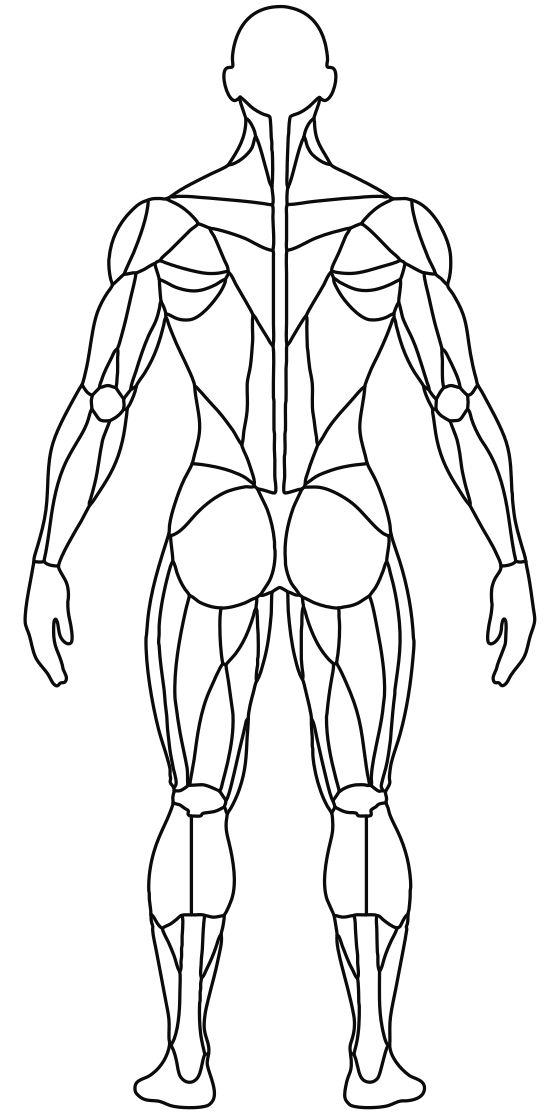
9 of 10 groups worked this week
Illustration with example sets per muscle group. Tap the days.
Strength by saved workout, the lifts the coach would adjust, and a summary after every session that weighs each lift against what your history expected.


Real screens from the current build, with example data.
The rest of what’s in the current build.
No account to make and nowhere to upload. Your log lives on your iPhone and Watch, Health data stays in Apple Health, and even the coach runs on your iPhone. Erase Gym0’s data at any time.
Something else? hello@gym0.app or the support page.
Gym0 is in internal TestFlight testing with five testers while the details are refined. A public release date hasn’t been announced yet; development updates are posted on this site.
Gym0 will be free to download at public release. Any paid features would come later, as optional in-app purchases.
No. Everything works on iPhone alone. With an Apple Watch you can start workouts from your wrist, get rep estimates you confirm, and see heart rate as you lift.
No. Manual logging works without Health. If you allow it, Gym0 reads heart rate for effort and recovery, puts your other workouts on the same calendar, and can save workouts to Health.
On your iPhone and Apple Watch, protected by iOS and watchOS data protection. There’s no account and no Gym0 server. Personal training data is excluded from Gym0’s app-data backups, so export your log if you want a copy elsewhere.
Fixed rules over the sets you actually logged, run on your iPhone. Each suggestion carries a one-line reason, says how strong the research behind it is, and opens the studies themselves in the app’s offline library. You decide what to change.
Optional workout summaries are written by Apple’s on-device language model on iPhones that support Apple Intelligence. They’re off unless you turn them on, and nothing is sent to a server. Predictions such as today’s likely workout learn from your history on your iPhone.
Five testers are helping refine Gym0 before its public release. It will be free to download, for iPhone on iOS 26.5 or later, with Apple Watch if you have one.
Built by Aneesh Patne, one lifter who wanted this. Why I made Gym0